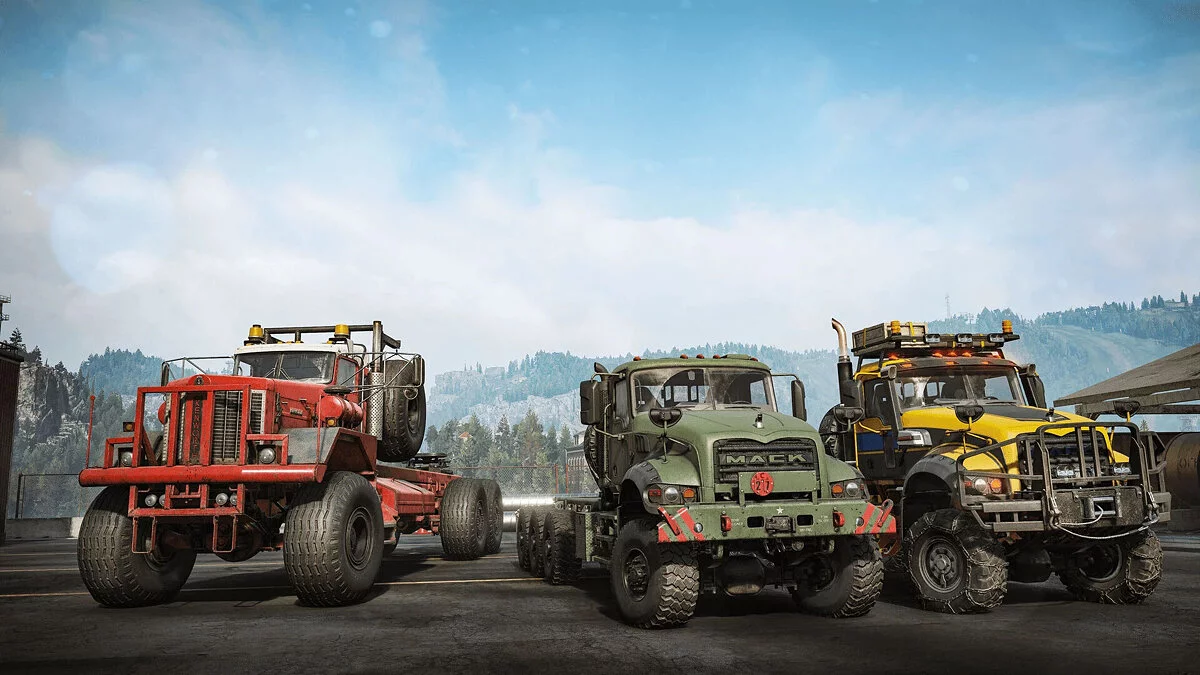
![SnowRunner — Table pour Cheat Engine [38] / Tableaux / Triches](https://files.vgtimes.com/si/gameprev_60479_768_1781028211.webp "SnowRunner — Table pour Cheat Engine [38] / Tableaux / Triches")
ПродContinuation de la simulation de conduite tout-terrain Spintires: MudRunner. Vous pouvez vous attendre à une mécanique de contrôle réaliste, un gameplay... En savoir plus
Joueurs:
Metacritic:
Table pour Cheat Engine [38]
![SnowRunner — Table pour Cheat Engine [38]](https://files.vgtimes.com/download/posts/2025-07/thumbs/table-for-cheat-engine-38_1752917891_945688.webp)
Auteur :
LML17
Ajouté par :

Taille :
1.40 kB
Date :
19 juillet 2025, 12:38
Téléchargements :
76
-
Télécharger (1.40 kB)19 juillet 2025, 12:38table-for-cheat-engine-38_1752917891_929959.rarVérification des virus par Virustotal : le fichier est sûr (voir le rapport, comment nous vérifions)
Fonctions et commandes:
- NP1 ou X360 [DROITE + A] = Réservoir Plein.
- NP2 ou X360 [DROITE + B] = Points de Réparation Illimités Note.
- NP3 ou X360 [GAUCHE + B] = Pas de Dégâts.
- NP4 ou X360 [DROITE + X] = Pause Horloge 12:00 Heures.
- NP5 ou X360 [DROITE + Y] = Pause Horloge 00:00 Heures.
- NP6 ou X360 [GAUCHE + A] = Pause Horloge Actuelle.
Comment exécuter :
- Ouvrir "Cheat Engine";
- Cliquez sur "Charger" et sélectionnez la table;
- Cliquez sur "Sélectionner un processus à ouvrir" et choisissez le processus désiré;
- Sélectionnez l'option requise et cochez la case.
Le nom et la description du fichier ont été traduits. Afficher l'original
(EN)Afficher la traduction
(FR)
Table for Cheat Engine [38]
Functions and commands:
- NP1 or X360 [RIGHT + A] = Fuel Full.
- NP2 or X360 [RIGHT + B] = Infinite Repair Points Note.
- NP3 or X360 [LEFT + B] = No Damage.
- NP4 or X360 [RIGHT + X] = Pause Clock 12:00 Hours.
- NP5 or X360 [RIGHT + Y] = Pause Clock 00:00 Hours.
- NP6 or X360 [LEFT + A] = Pause Current Clock.
How to run:
- Open "Cheat Engine";
- Click "Load" and select the table;
- Click "Select a process to open" and choose the desired process;
- Select the required option and check the box.
Fichiers liés :
Liens utiles :
![SnowRunner — Table pour Cheat Engine [MÀJ : 19.11.2020]](https://files.vgtimes.com/download/posts/2020-11/thumbs/1605771123_img_20200428_151916_721_d_850.webp)
![SnowRunner — Table pour Cheat Engine [23.0]](https://files.vgtimes.com/download/posts/2023-06/thumbs/tablica-dlja-cheat-engine-23-0_1688033886_602066.webp)
![SnowRunner — Table pour Cheat Engine [26.2]](https://files.vgtimes.com/download/posts/2023-10/thumbs/tablica-dlja-cheat-engine-26-2_1697891802_242449.webp)

![SnowRunner — Tableau pour Cheat Engine [MÀJ : 01.11.2024]](https://files.vgtimes.com/download/posts/2024-11/thumbs/tablica-dlja-cheat-engine-upd-01-11-2024_1730537174_899019.webp)
![SnowRunner — Tableau pour Cheat Engine [UPD : 23.07.2020 / 6.1]](https://files.vgtimes.com/download/posts/2020-07/thumbs/1595583698_image4.webp)
![SnowRunner — Tableau pour Cheat Engine [15.1]](https://files.vgtimes.com/download/posts/2021-10/thumbs/1635077601_snowrunner-title.webp)
![SnowRunner — Table pour Cheat Engine [33.0]](https://files.vgtimes.com/download/posts/2024-12/thumbs/tablica-dlja-cheat-engine-33-0_1733391140_259378.webp)
![SnowRunner — Table pour Cheat Engine [17.3]](https://files.vgtimes.com/download/posts/2022-07/thumbs/1658655074_r_eink4e4e.webp)